How do I buy my first vehicle policy?
So you’re ready to insure your vehicle with initio. Awesome. This guide walks you through the key steps: getting a quote, customising your cover, telling us what we need to know, and making your payment.
1. Get an instant quote
You can get a car insurance quote online in just a few seconds.
If you’re new to initio, simply start a car insurance quote and enter your vehicle registration number via our quoting tool. We’ll use this to find key details about your vehicle and help make the quote process faster.
Start your vehicle insurance quote, here.
If you already have a policy with initio, you can get a car insurance quote through your initio dashboard. Once you’re logged in, click the green “Car Insurance +” button to begin. Because you’re using your dashboard, some of your details will be filled in for you, helping save time.
From there, you can review your vehicle details, choose your cover, customise your excess, and answer a few questions so we can provide your quote.
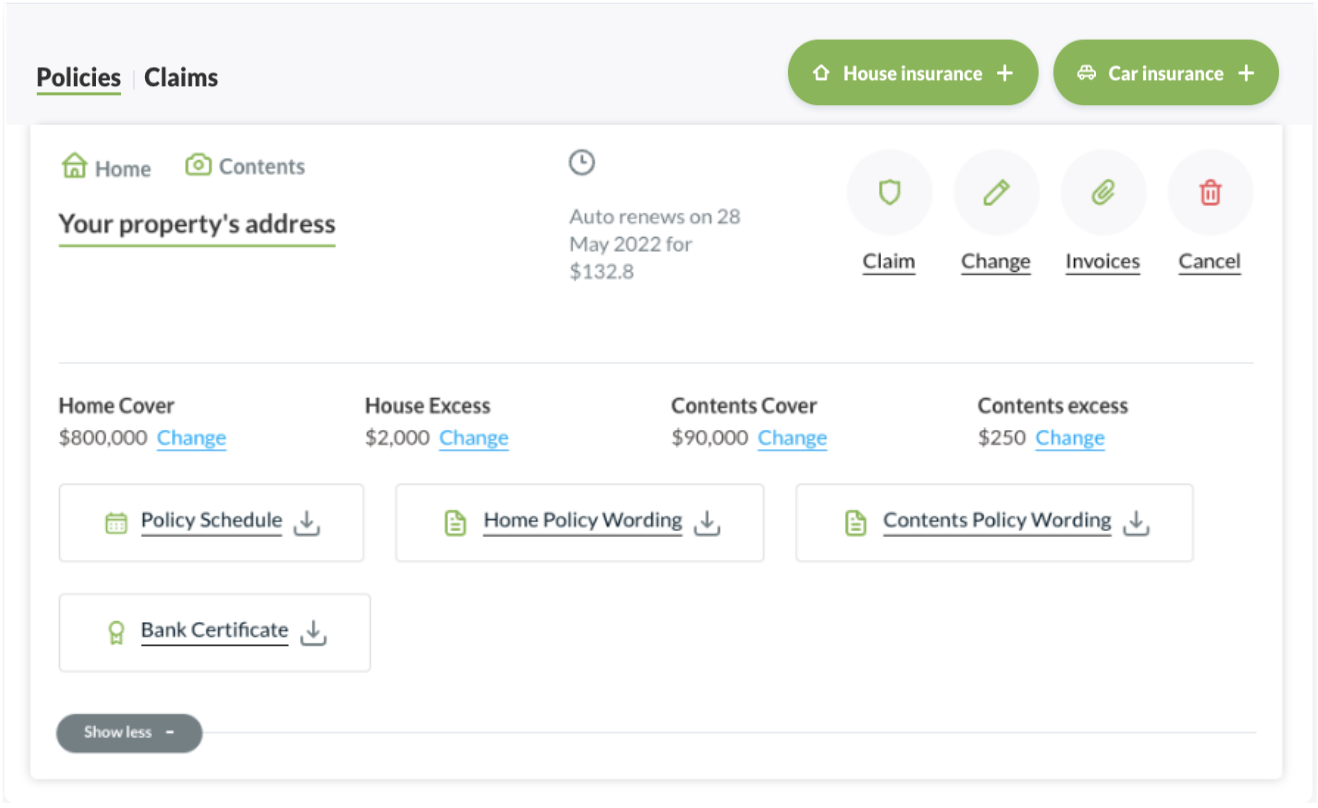
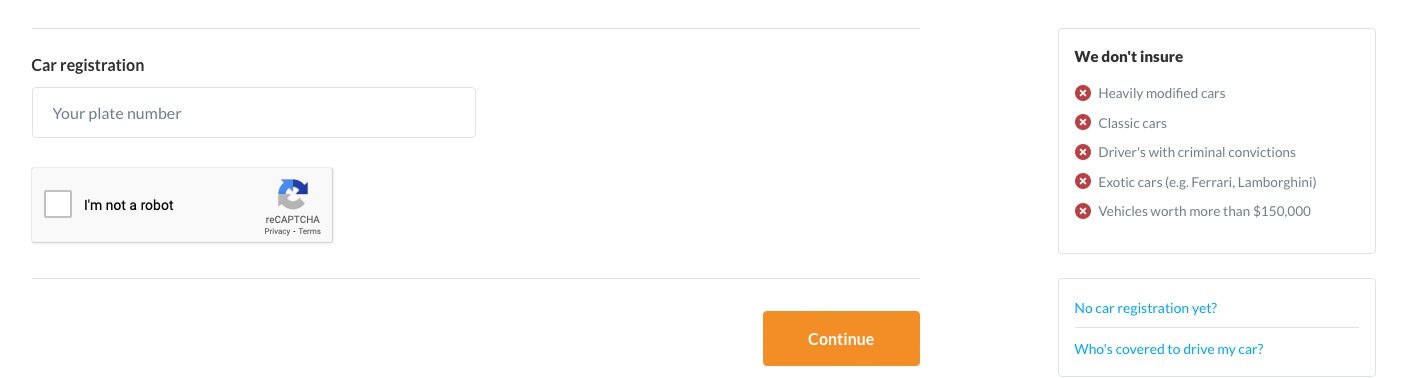
Enter your vehicle’s registration number to continue. If you have a brand new vehicle that has not been registered yet; email our team, they can assist you further.
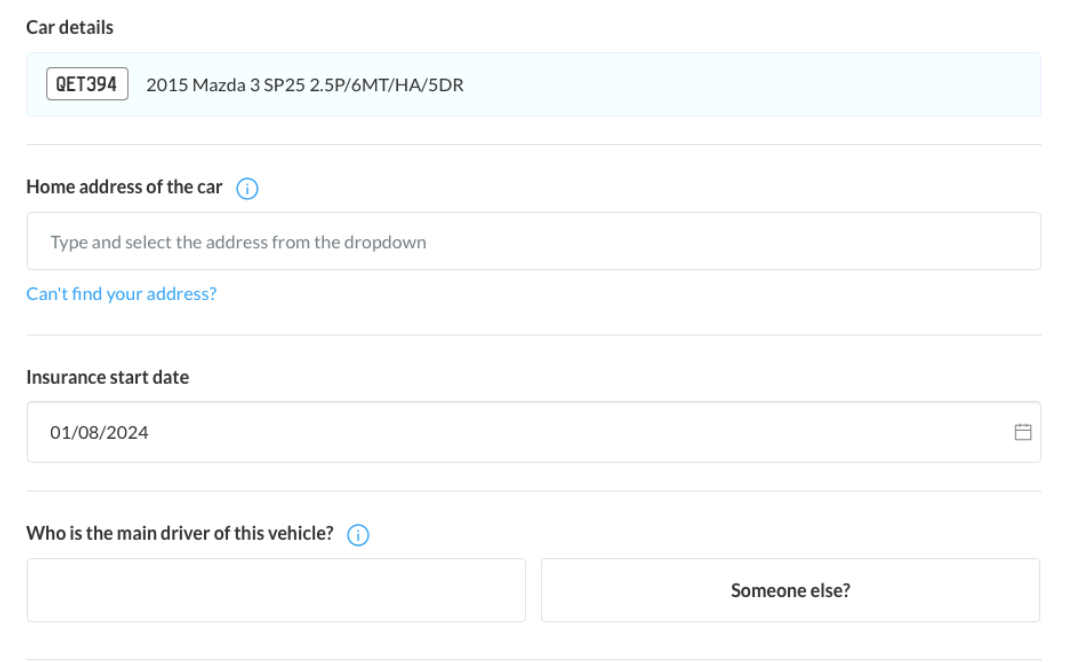
2. Enter your details
Enter the details above to proceed to the next step. This information helps us understand where the car will be parked overnight and during the day, who the main driver is, and when you’d like the insurance to start.
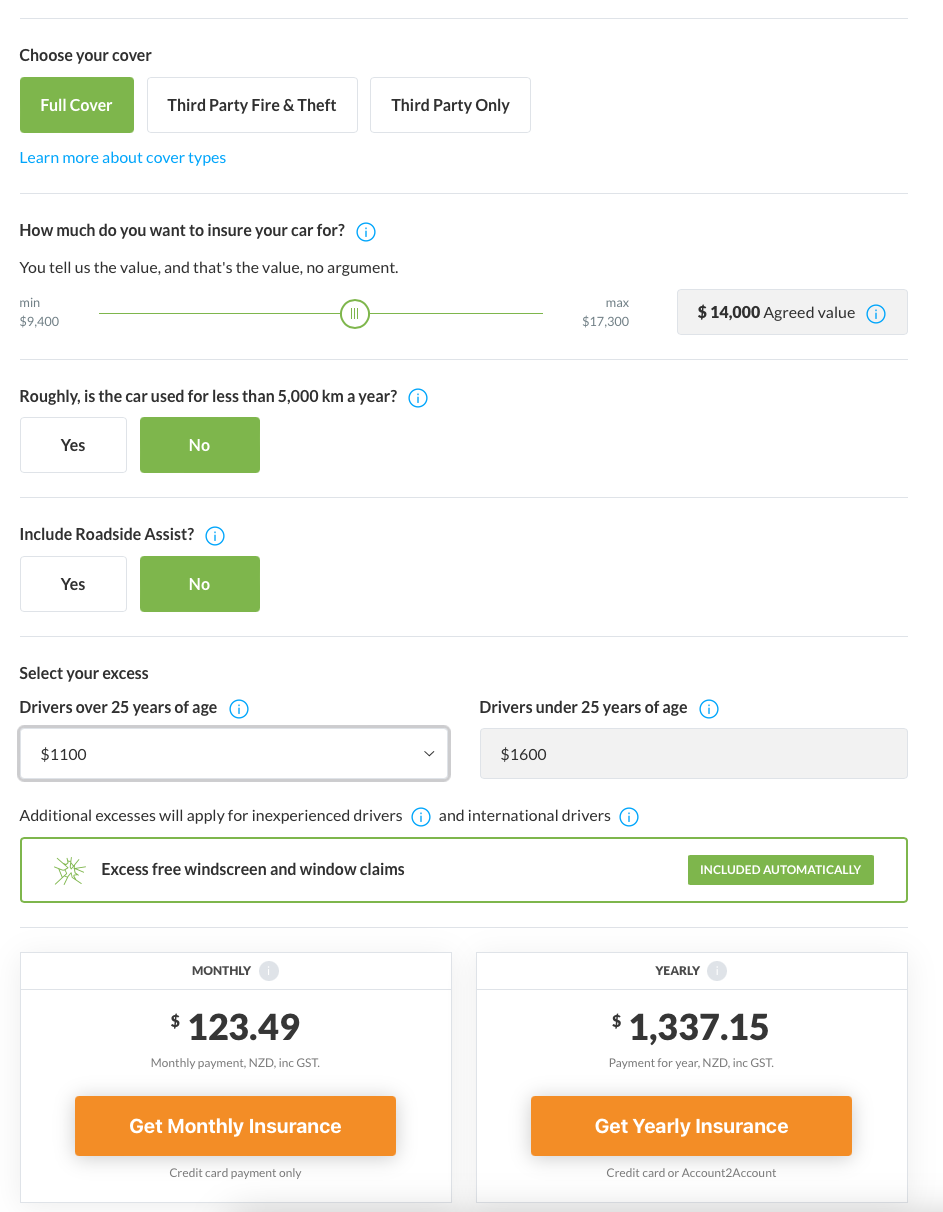
3. Select vehicle cover, customise quote & select payment option
For our vehicle insurance, we offer the following which include different policy extensions and exclusions:
- Comprehensive Full Cover
- Third Party – Fire & Theft
- Third Party Only
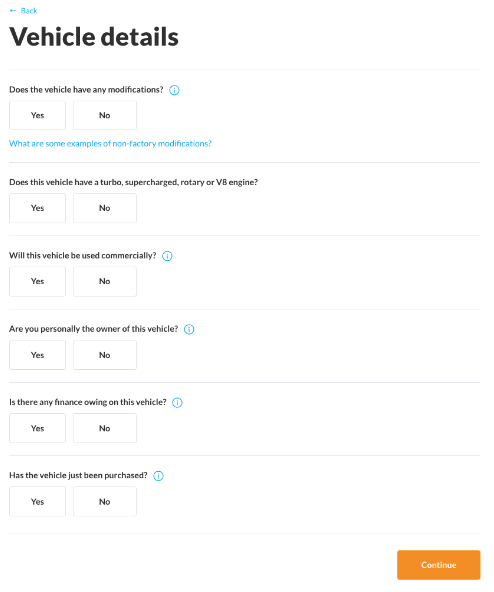
4. Enter vehicle details
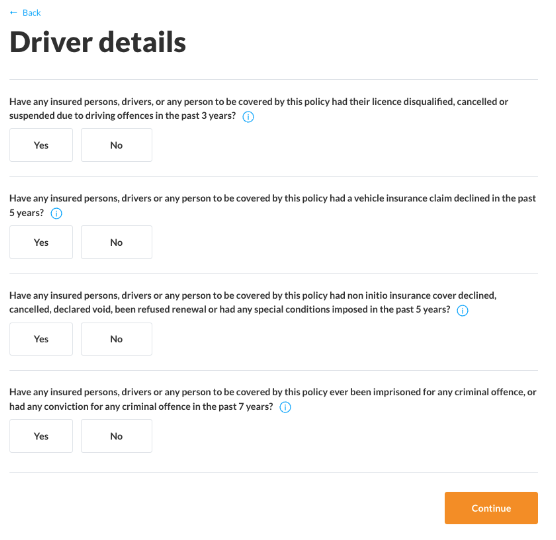
5. Complete driver details
6. Sign the application form
To sign the application form, use your device keyboard to type your name in full (as the person completing the form) in the space provided.
7. Review and make payment
Once you have customised your insurance policy, you will need to select a payment option. For more information regarding our payment options, please refer to our support page, here.
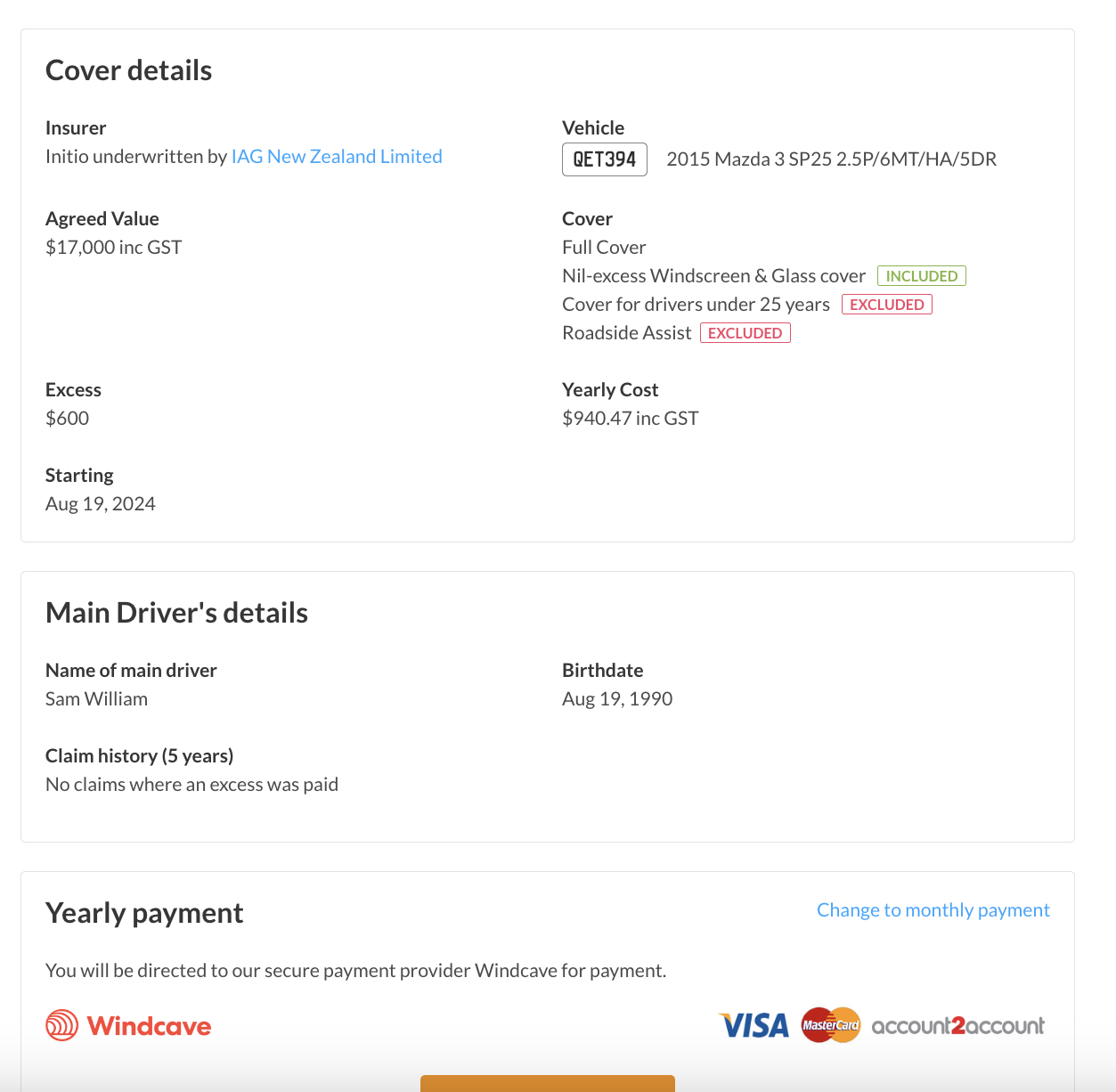
There you have it! We will instantly email your confirmation documents.
Useful links